
The sensor data value will be entered according to the definition of the data package.
The data sections are only visible and therefore editable, if they were defined at the sensor data, that means the according number of bits were entered.
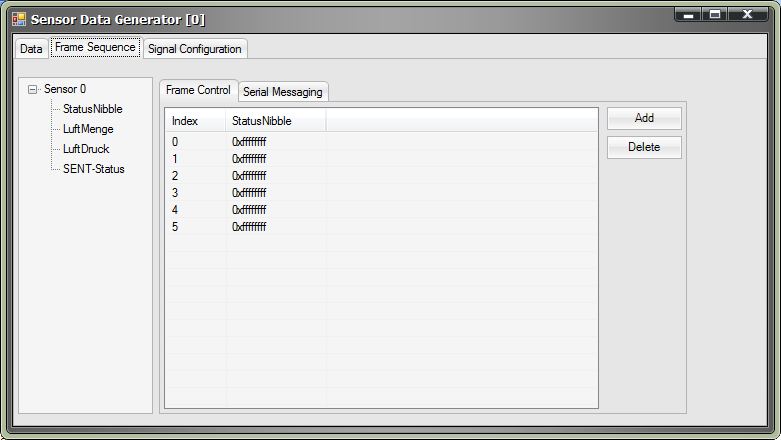
Define a data sequence:
| Procedure | |
|
|
Open the DataGenerator. |
|
|
Ensure that the according tab FrameSequence is selected. |
|
|
Choose the desired slot of the sensor by clicking on the slot description at the left window section. |
|
|
Add a data line by clicking on Add. |
|
|
Enter the desired data as decimal values in the according fields. |
|
|
Repeat this procedure for each more data value, which will be sent in the same timeslot in the following cycles. The progression determines the index. |
Modify of data value:
| Procedure | |
|
|
Open the DataGenerator. |
|
|
Ensure that the according tab FrameSequence is selected.. |
|
|
Choose the desired slot of the sensor by clicking on the slot descprition at the left window section. |
|
|
Change the desired data value by editing the according cell. |
